
Talk to your cat.
Cat-vocalisation clips, organised by behavioural category. Press play, this is one of them.

Sunny meowA clear natural meow with a bright trill at the start.
Heard something? That is the whole idea — then you log what your cat did.What these sounds mean →
Coming to iOS & Android. One email, on launch day. Nothing else.
The loop
The sound is the easy half.
Anyone can play a cat a noise. What makes it worth doing is writing down what happened, every time, until a pattern shows up.
Play, and watch the ears
Ear rotation comes before anything else. Most cats answer with attention, not with a sound.
Log it in one tap
Loved it, ignored it, disliked it. The timestamp is captured for you, which is what makes time-of-day patterns possible.
Read it back after a fortnight
Around twenty logs per cat and PurrPlay will tell you what it sees. Below that it shows counts, not conclusions.
What counts
A reaction is smaller than you think.
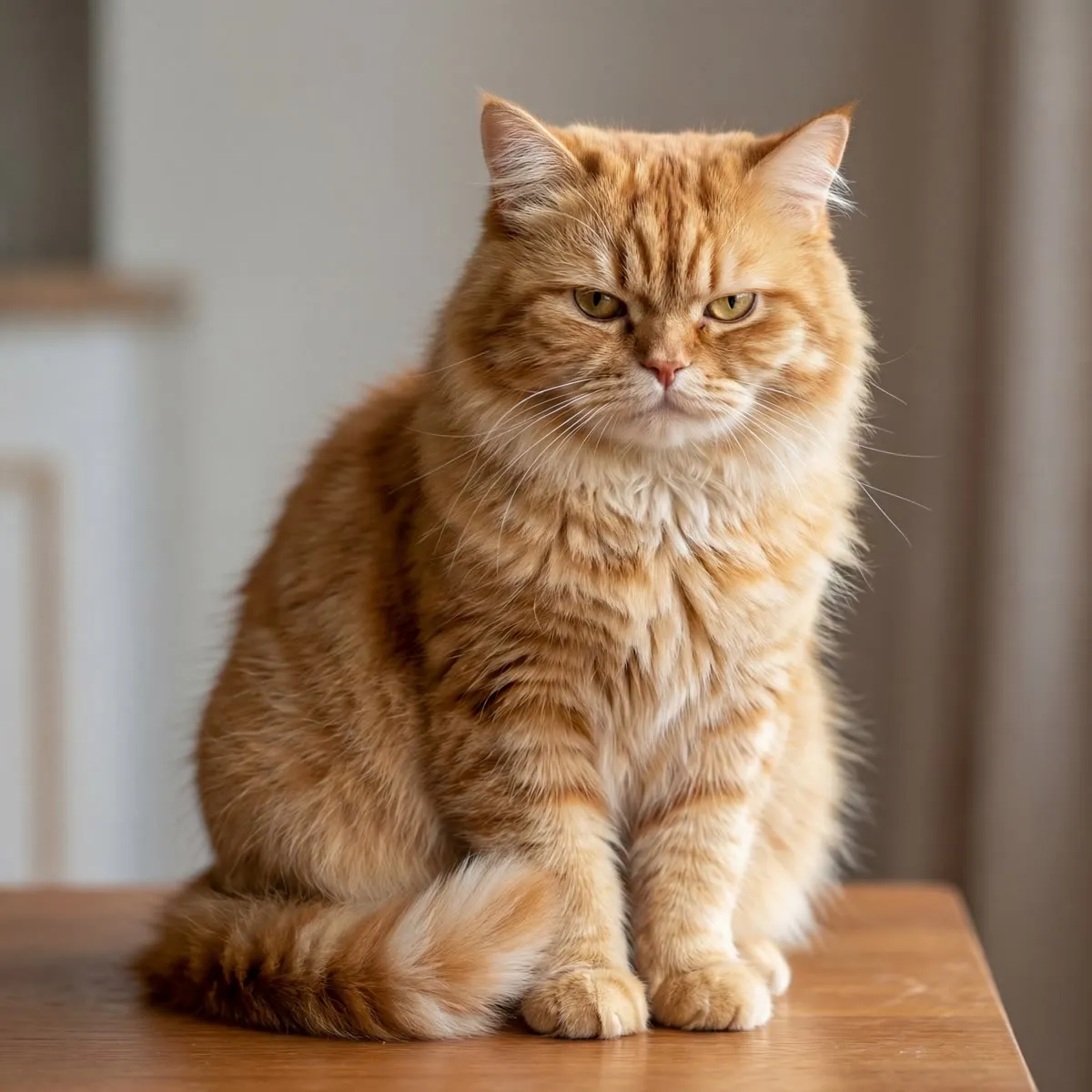
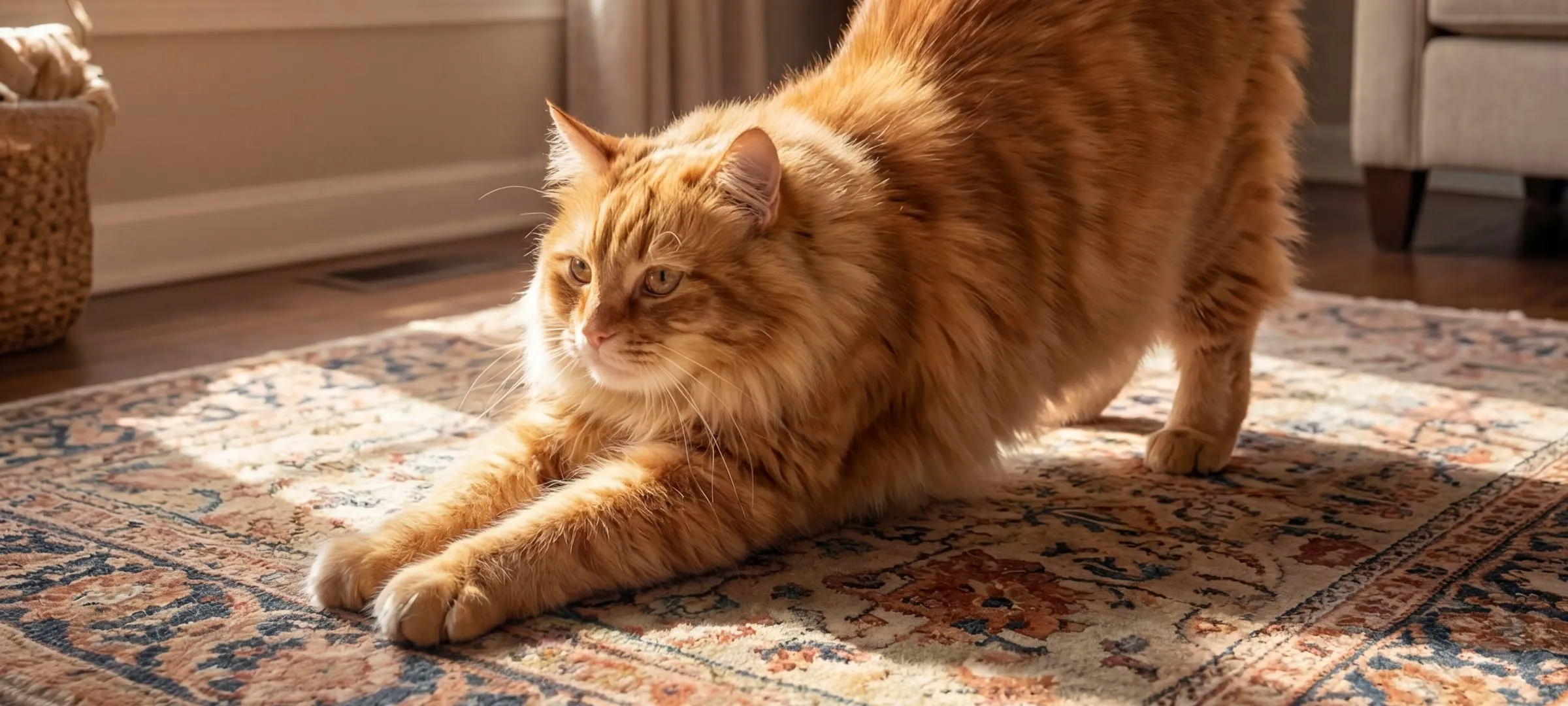
Ears turn first
One or both ears rotating toward the speaker is the most common response by a wide margin. Log it — it counts.
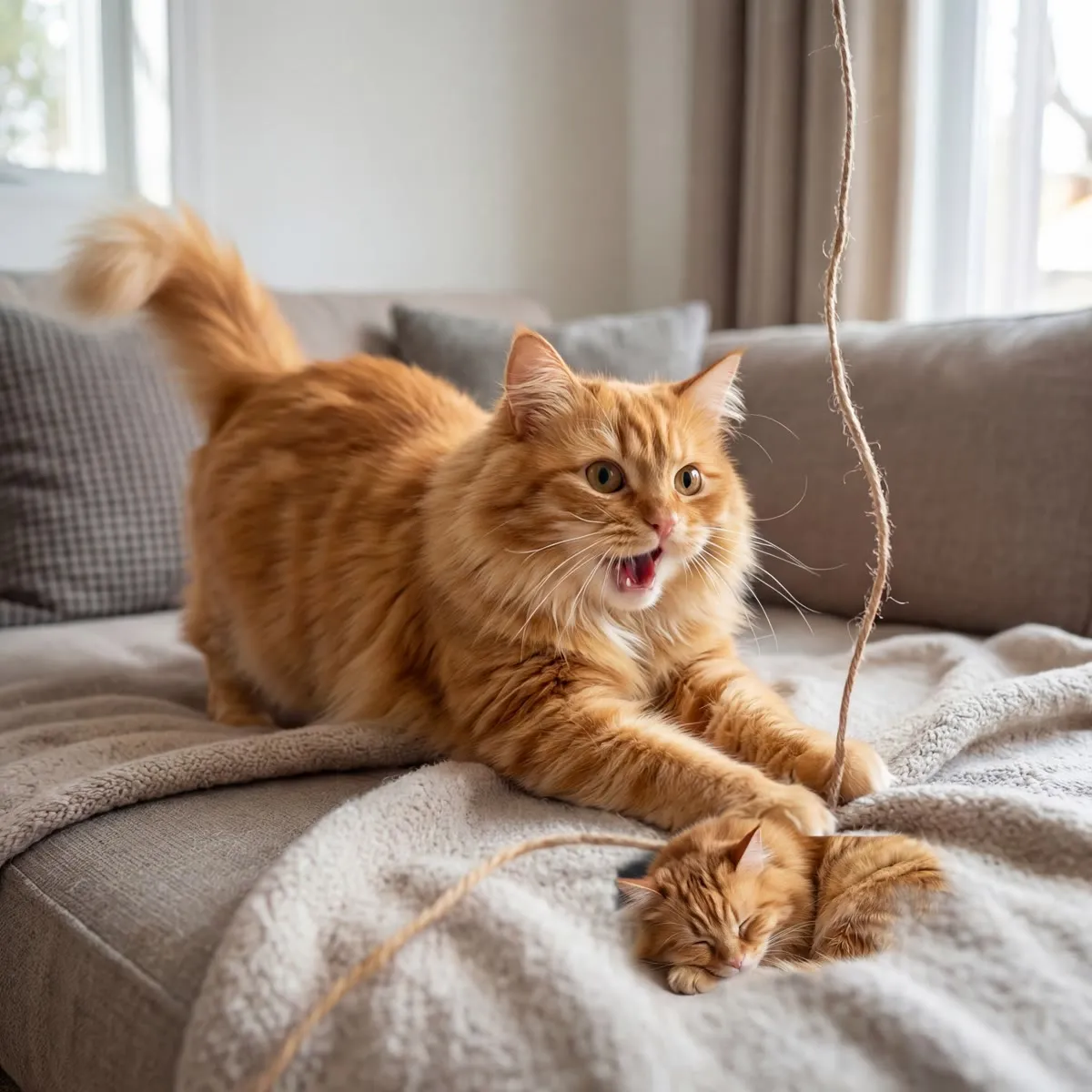
Some answer back
A chirp or a trill in reply is the exception rather than the target. When it happens, it is unmistakable.
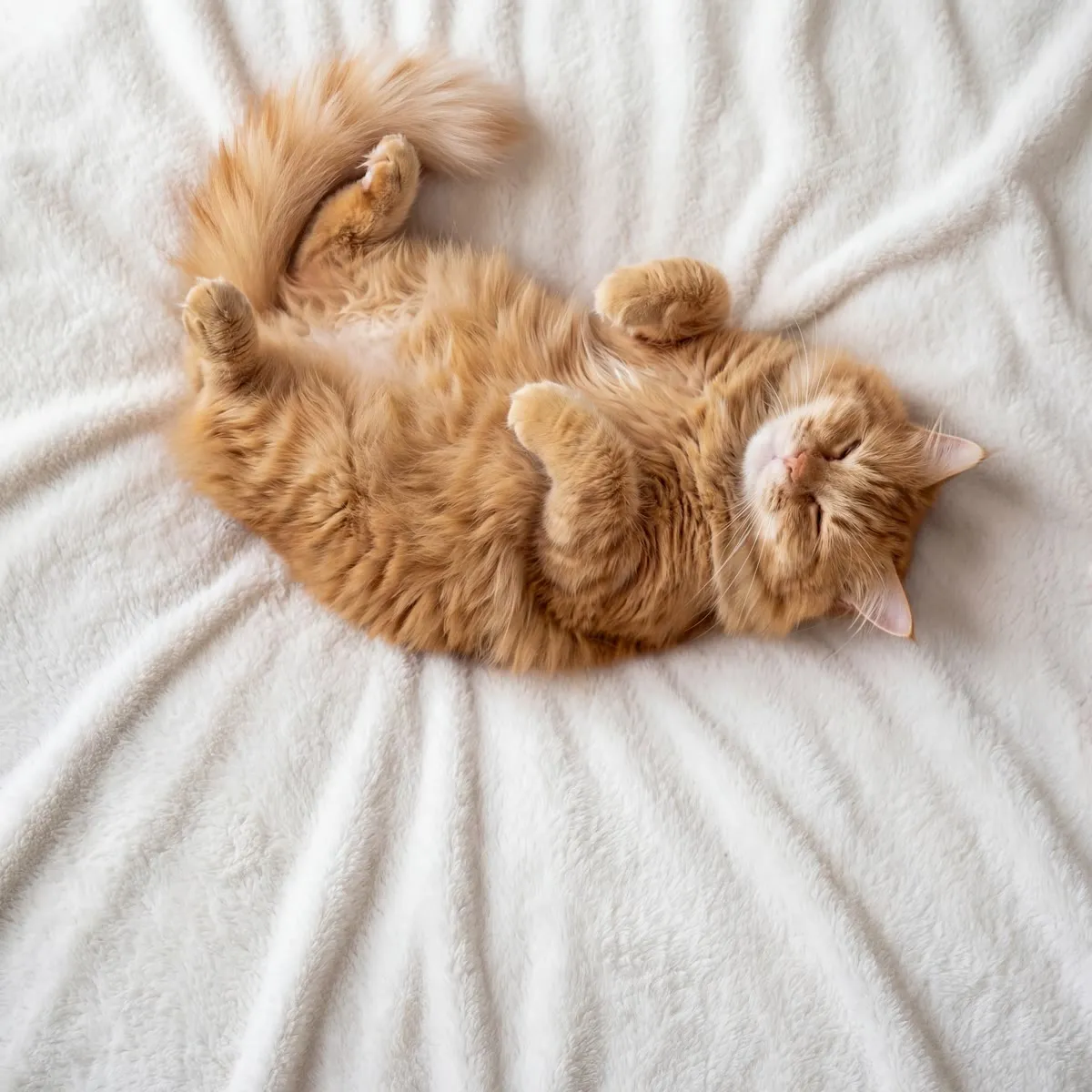
Some do nothing at all
An honest “ignored” is worth more than a generous “loved it”. The insights are only as good as the logs.
The library
Ten categories. One reaction journal.
Every category has a page explaining what the sound is and what it signals. Six of them are documented for recognition only, and say so.
- HappyWhat does it mean when a cat chirps or trills?
- RestingWhy do cats purr?
- Mother CallWhat sound does a mother cat make?Recognition only
- Hunting MindWhy does my cat chatter at birds?
- WarningWhy does my cat hiss?Recognition only
- AngryWhat does it mean when a cat growls?Recognition only
- DefenseWhat sounds does a scared cat make?Recognition only
- FightingWhat do cat fight sounds mean?Recognition only
- MatingWhy do cats yowl at night?Recognition only
- PainWhat does a cat in pain sound like?Recognition only
The app
Seven of the fifteen screens.
Recreations built from the app’s own design tokens, not screenshots.How they are made →
Sounds
CuratedSunny meow
A short rolled trill, the sound a cat makes when it is pleased to see you.
How did Luna react?
What Luna responds to
Luna answers Happy sounds most often in the evening. 82% of her positive reactions land after 6pm.
Cat Profile
Personality
- Curious
- Vocal
- Evening cat
Responds best to
Favorites
12 savedQuick play
All favourites
- Offline
- Offline
Calm Mode
Gentle routines for stressful moments
Calm routines
- 8 min
- 12 min
- 15 min
Shelter trials have measured lower stress markers in cats exposed to species-appropriate audio.
What research says →Clicker
Mark the moment. Reward within two seconds.
Straight answers
What it doesn’t do.
- It does not translate. No app can tell you what a specific meow means. PurrPlay plays sounds with known behavioural meanings and records what your cat did next.
- It does not diagnose. The Pain category exists so you can recognise a sound. Health concerns belong with a vet.
- It does not guarantee a reaction. Plenty of cats ignore the whole thing, and the journal records that just as happily.
Questions.
- Will my cat actually respond?
- Some cats respond immediately, many respond subtly, and some ignore the app entirely. Ear rotation and head turns are far more common than a vocal answer. PurrPlay never promises a reaction; it gives you a way to find out what your own cat does.
- Are these real cat sounds?
- The library presents cat-vocalisation clips across ten behavioural categories. Before release, every submitted track must have verified source and commercial-use evidence; anything that cannot be cleared is removed.
- Is it safe to play cat sounds to my cat?
- For the affiliative categories (Happy, Resting and Mother Call), yes, in short sessions. Conflict sounds like hissing and growling are included for recognition only and should never be played at a cat to provoke a reaction. Stop any session if your cat seems agitated.
- Does PurrPlay diagnose health problems?
- No. PurrPlay is a sound library and a reaction journal. It performs no diagnosis of any kind. If you are concerned about your cat’s health or behaviour, speak to a veterinarian.
One email. On launch day.
No drip campaign, no newsletter. Just the message that says PurrPlay is out.